First signs of life from the Altoids Tin CW Keyer.
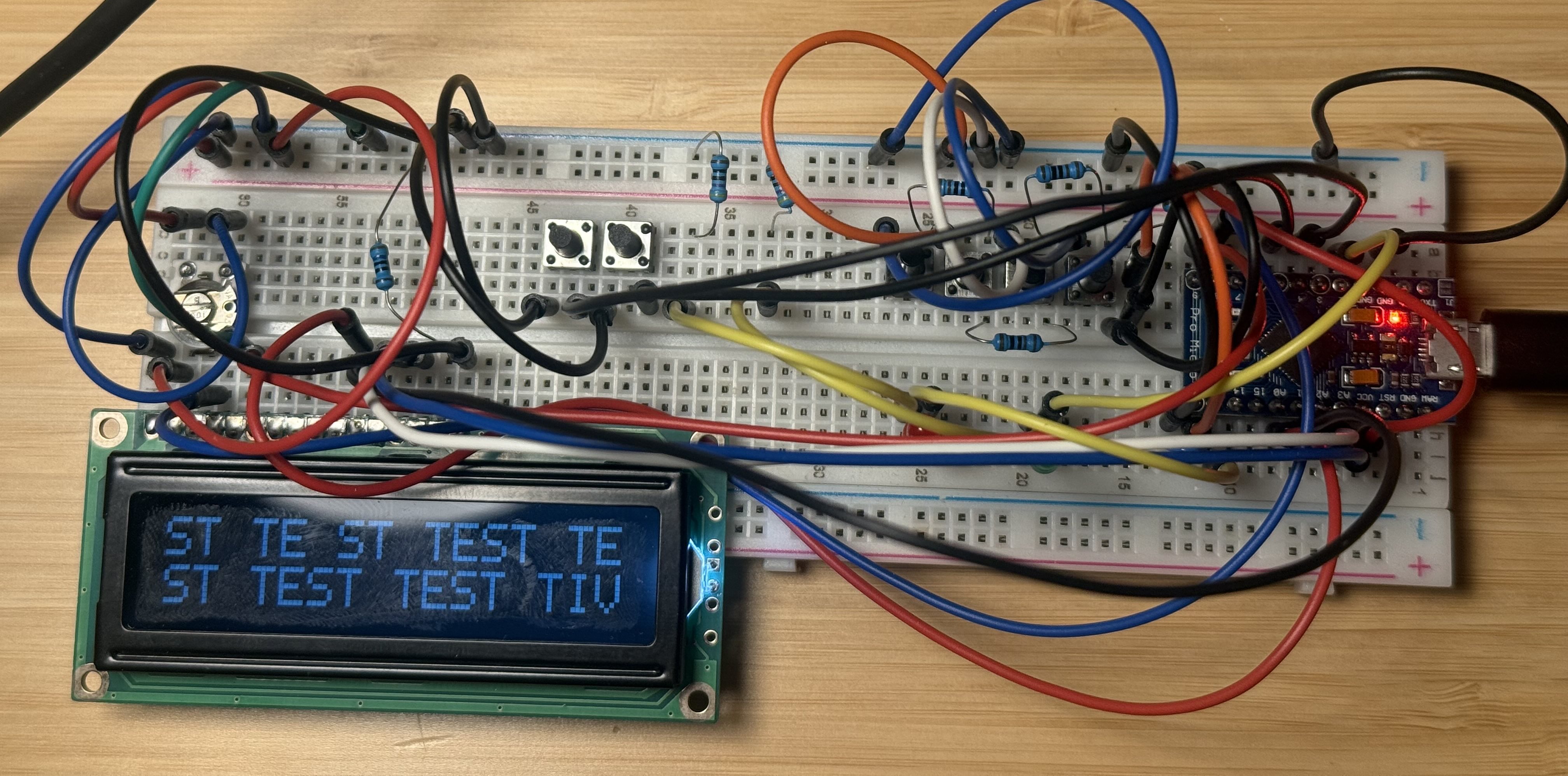
Drawing up plans in KiCad was definitely worth it to help keep things straight, even at the breadboarding stage. I'll post the files on the project page.
The K3NG repo is great. It works as "out of the box" as a non-trivial Arduino sketch ever will.
It took me a half-dozen tries after git clone to get my breadboarded prototype do something I expect, and a while longer to figure out the rest of my mistakes. Things I didn't get right out of the gate:
- There were three files to pay attention to: keyer_features_and_options.h, keyer_pin_settings.h, and keyer_settings.h. Read and expect to edit all of these.
- Refer to digital pins by number, not with the analog
Aprefix. Eventually I double checked header values were set for every Arduino pin I was using one-by-one and that got me concrete progress. - I had the 16x2 display "upside down", so the pins were R to L not L to R. I didn't fry it.
I still need to figure out my transistor low-side switch is working right.
Also it turns out I don't have enough flash memory in the Arduino Leonardo Micro I have on hand to enable the CLI and CW practice mode features. I'd like these. I might look into newer ESP-based Arduinos.
Reading through the header files I also saw a feature to use a hardware switch to turn on or off the sidetone. I think I will add that.
I wish there was a brightness control for the LCD. I don't see that in the CW keyer repo docs, but I don't know if it doesn't exist or I didn't spot it. And really really, I'd rather a small OLED than this 16x2, but hey.
I also wonder whether the hardware WPM control I planned is really worth it. Perhaps not, but I think I'll stick with it.
73 de WA1ANT